
A practical home Wi-Fi security review
Review router updates, Wi-Fi encryption, administrator access, and guest-network settings. Understand what a browser connection check can and cannot tell you.
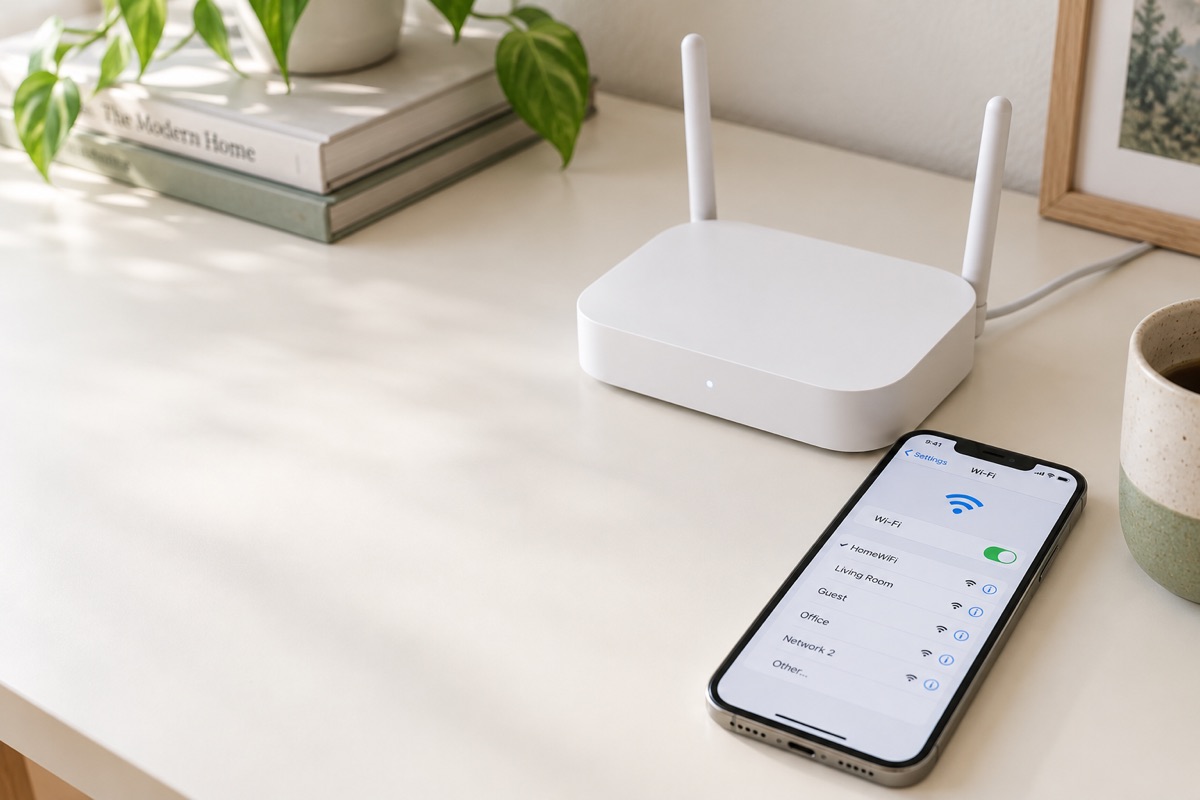
Use your router's official settings
Open the manufacturer's app or the administration address in its documentation. Only review a router you own or are authorized to manage. Menu names vary, so use the manufacturer's instructions when they differ from a guide.
Review updates and Wi-Fi encryption
Check whether router firmware updates are available. Review the Wi-Fi security mode; use WPA3 when supported, or WPA2 when needed for compatible devices. An encrypted website connection does not establish which Wi-Fi security mode your router uses.
Separate access credentials
Use a unique router administrator password, and keep it distinct from the password guests use for Wi-Fi. Review remote administration settings. Never share an administrator password with a support bot or paste it into a security scan.
Consider a guest network
Review whether your router supports a separate guest network and what it can access. Record the settings you actually checked. Avenvale's current guide is self-reported: it does not run a network vulnerability scan or certify that every connected device is safe.
Official sources
Keep your next steps in one place.
Explore Avenvale’s fictional sample to see how findings, request drafts, and guided checks fit together.
Explore Avenvale